> For the complete documentation index, see [llms.txt](https://docs.adalysis.com/llms.txt). Markdown versions of documentation pages are available by appending `.md` to page URLs; this page is available as [Markdown](https://docs.adalysis.com/tools/performance/resolve-standard-priority-performance-issues.md).
# Resolve standard priority performance issues
Analyze the big picture changes in your account
You can find your standard priority performance alerts on the **Performance** view.
{% hint style="info" %}
Your Adalysis account will start out with six default performance monitors. We would strongly recommend that you [create your own monitors](/tools/performance/how-to-create-performance-monitors.md) as needed.
{% endhint %}
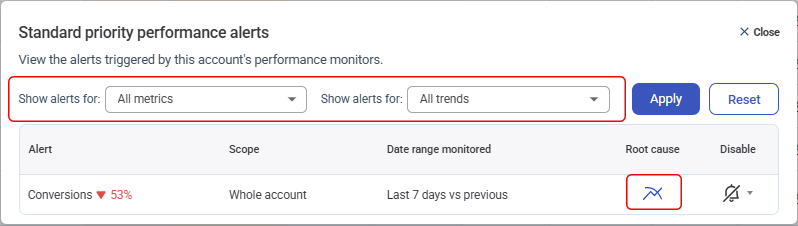
Click any alert description for filters and root cause analysis.
### Understand what’s driving performance changes
The **Adalysis Performance Analyzer** creates a visual flowchart based on your alert to help you understand the root cause of the changes. You can also get an AI summary of your results.
* **Metric changes** show you what’s changed during your compare period.
* **Drivers** show you what to look at.
* The **blue list icons** let you drill down into campaigns, ad/asset groups and keywords to pinpoint where to start.
* **Explain with AI** provides a top-level summary of your chart in plain English.
* The **blue AI icons** explain changes for individual metrics.
{% hint style="success" %}
[Identify the performance change root cause using the Performance Analyzer](https://youtu.be/FdQ6I4TVqiI)
{% endhint %}